
A cracked MacBook screen is one of the most frustrating issues you can face—especially if you rely on your device for university work or professional tasks. Whether it’s a hairline crack or a completely shattered display, knowing your options in the UK can save you time, money, and unnecessary stress.
This guide breaks down everything you need to know about MacBook screen replacement in a clear, practical way.
🔧 Can You Still Use a MacBook with a Cracked Screen?
Short answer: sometimes, but you shouldn’t rely on it.
- Minor cracks → screen may still function
- Major cracks → flickering, black spots, or complete failure
- Internal damage → can worsen over time
👉 Continuing to use it can lead to:
- Display bleeding (spreading black patches)
- Touch bar or backlight issues
- Higher repair costs later
💰 MacBook Screen Replacement Cost (UK)
Costs vary depending on your model:
💻 Typical UK Price Ranges
- MacBook Air (older models): £200 – £350
- MacBook Pro (Retina models): £300 – £600+
- Newer M1/M2 models: £500 – £800+
If you go through Apple directly, prices are usually higher but include genuine parts and warranty.
🏪 Where to Replace Your MacBook Screen
1. Apple Official Repair
- Reliable and high-quality
- Expensive
- Longer turnaround in some cases
2. Authorized Service Providers
- Certified by Apple
- Slightly cheaper than Apple
- Genuine parts
3. Local Repair Shops (UK)
- Cheapest option
- Faster turnaround
- Quality varies (important to check reviews)
👉 Pro tip: Always ask if they use OEM or third-party screens
⚠️ Should You Replace It Yourself?
DIY repair is possible—but risky.
❌ Not recommended if:
- You’ve never repaired electronics
- You own a newer MacBook (M1/M2/M3 models)
Why?
- Screens are fused to the display assembly
- Requires specialized tools
- Easy to damage cables or logic board
👉 In most cases, professional repair is the safer choice
🔍 Signs You Need Immediate Replacement
Don’t delay repair if you notice:
- Black spots spreading across screen
- Flickering or ghosting
- No display but MacBook still powers on
- Lines running vertically or horizontally
These indicate internal panel damage, not just surface cracks.
🛡️ How to Prevent Future Screen Damage
Simple habits can save you hundreds of pounds:
- Use a hard-shell case
- Avoid placing objects on keyboard before closing
- Carry in a padded laptop sleeve
- Don’t lift MacBook by the screen
📊 Repair vs Replace – What’s Better?
| Situation | Best Option |
|---|---|
| Minor crack, older MacBook | Repair |
| Expensive repair (>£600) | Consider upgrade |
| Multiple issues (battery + screen) | Replace device |
🧠 Final Verdict
If your MacBook screen is cracked:
- Don’t ignore it—it usually gets worse
- Compare repair options carefully
- Avoid cheap, low-quality parts
- Choose reliability over short-term savings
For most UK users, the best route is:
👉 Authorized repair or a trusted local specialist
🚀 What To Do Next
If you're dealing with a cracked screen right now:
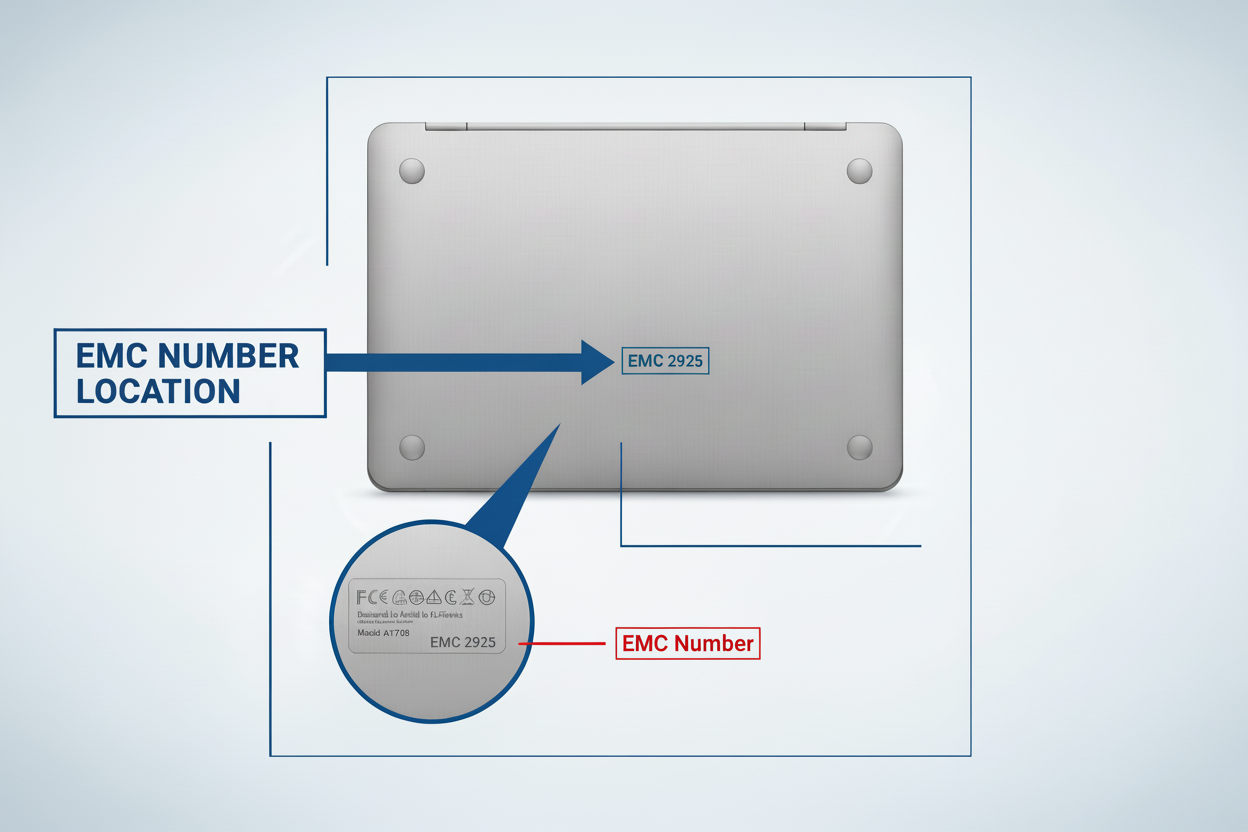
- Identify your MacBook model
- Get 2–3 repair quotes
- Compare warranty + part quality
- Book repair ASAP
If you want, I can now:
- Write your next blog (SEO cluster)
- Or build you a full content plan to rank in the UK MacBook niche